Thyme
Business Management App
Built for Thyme, this powerful and fast app lets them keep everything in one place, from contacts and leads to team members and daily operations simple and organized.
GOAL
To build a custom app for Thyme to help them manage everything in one place, from contacts and leads to their team and daily operations. It was all about making their workflow smoother, more organized, and easier to handle with a tool that truly fits their way of working.
SOLUTION
Using our technical skills, we built a powerful yet simple app for Thyme. What started as a complex need to manage everything contacts, leads, employees, and more was turned into a smooth, user-friendly experience that helps the team stay organized and in control of their business, all in one place.
WHAT WE DID
Consulting, planning, managing, and programming.
Home
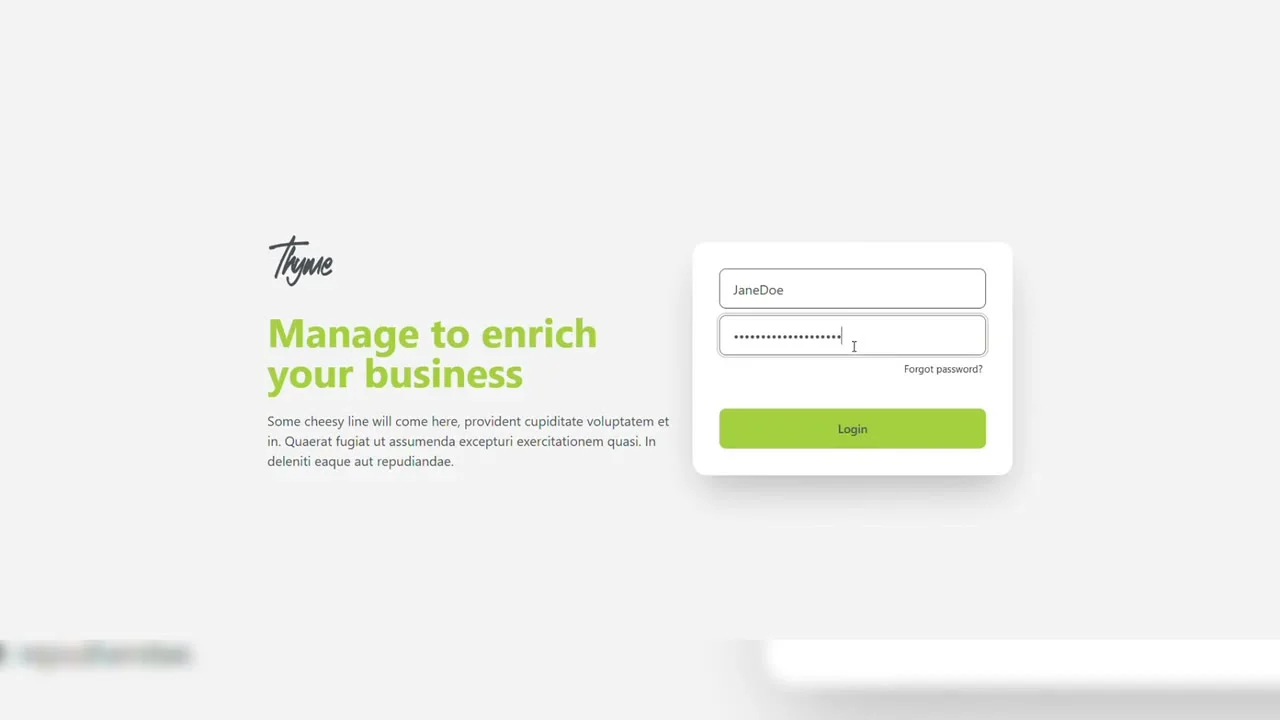
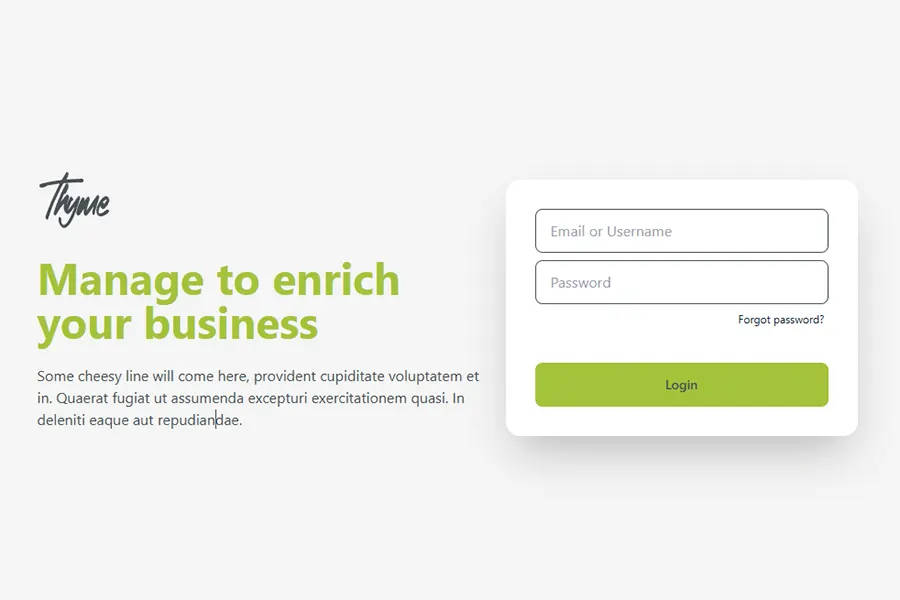
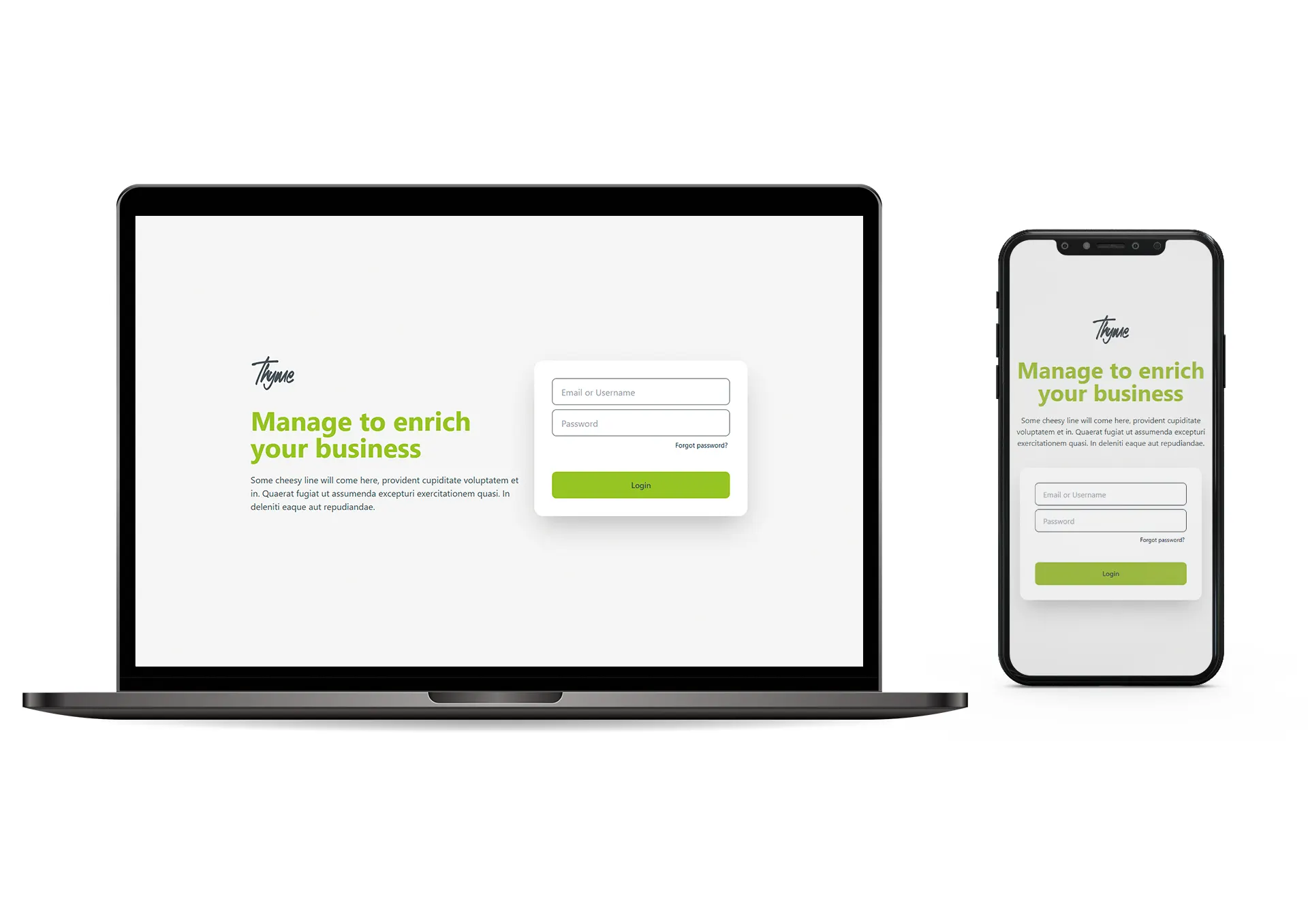
The home page is beautifully designed with the logo, a clear title, and a short description that instantly introduces the platform. On the right side, a simple and well-structured login form makes it easy for users to sign in quickly. The layout feels clean, welcoming, and straightforward, giving visitors a smooth start the moment they land on the site.
Contacts
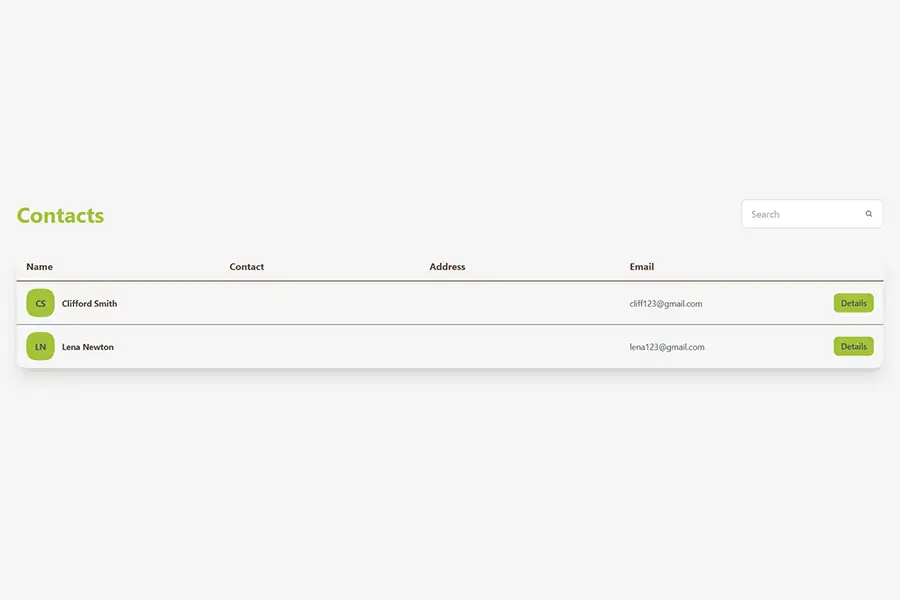
The contacts section is beautifully laid out, showing each person’s name, address, email, and a details button for quick access. It’s easy to browse through the list, and the live search bar makes it even faster for users to find exactly who they are looking for in seconds. Clean, simple, and effortless to use.
Add Contact
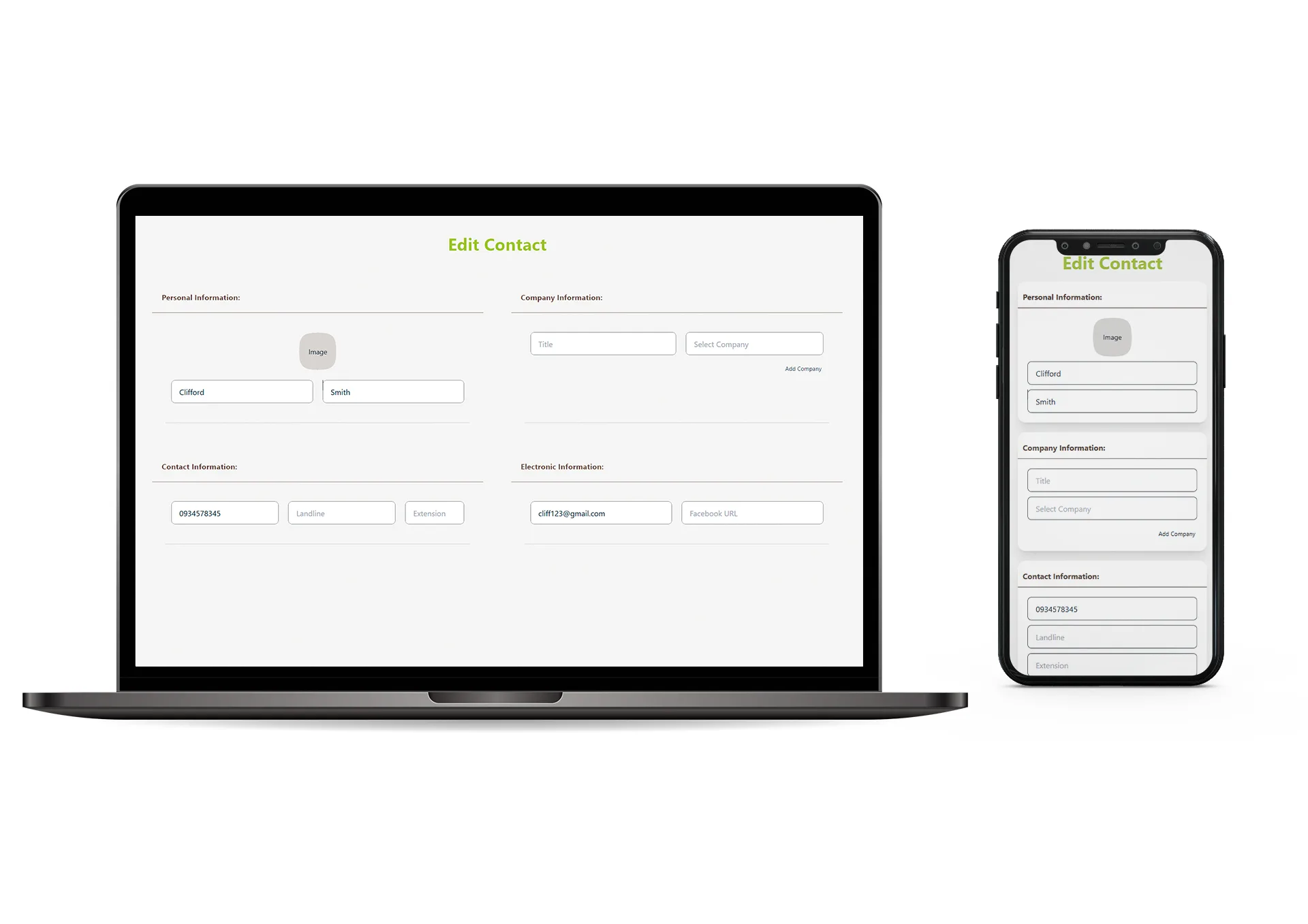
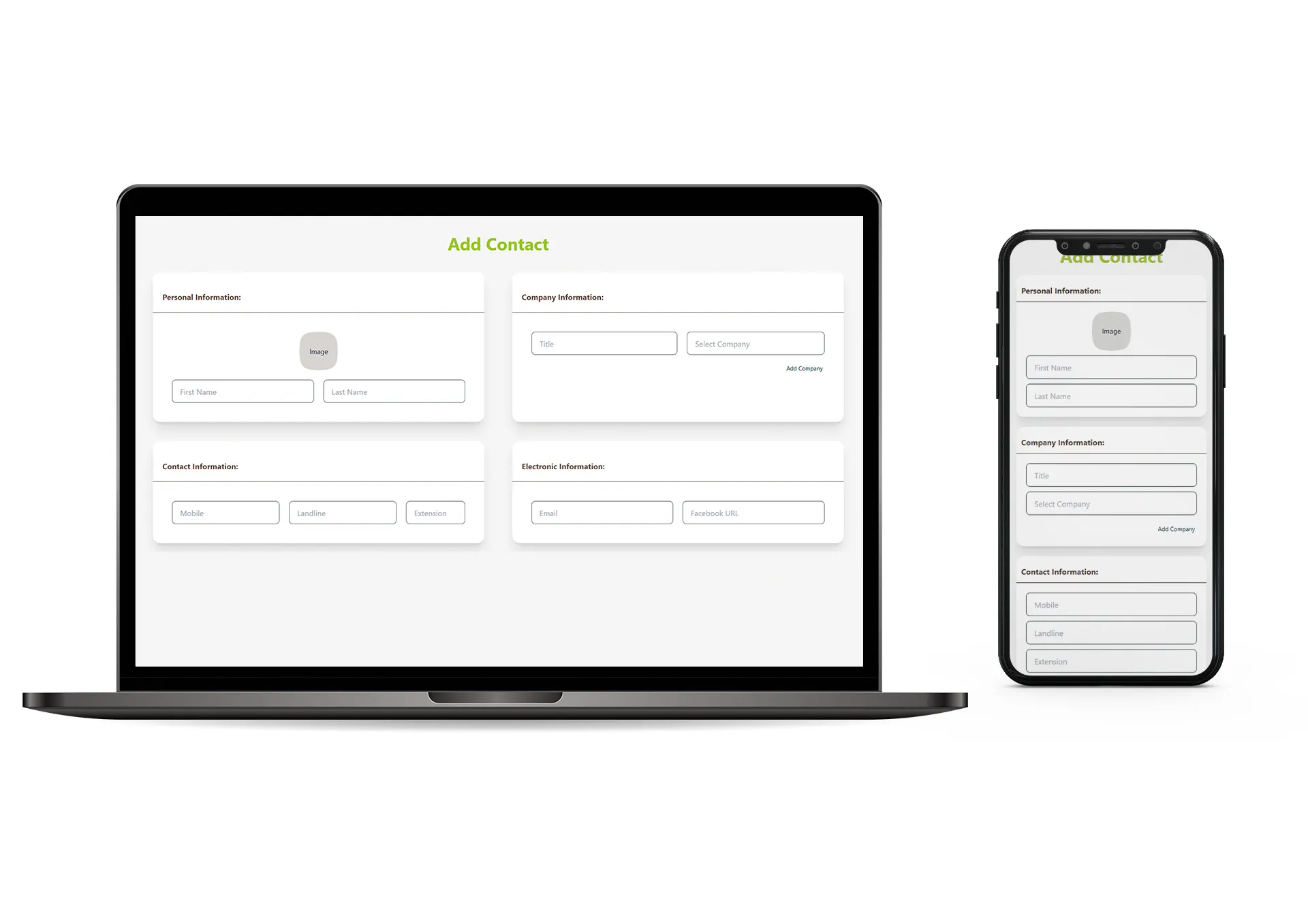
The Add Contact section is thoughtfully designed to make creating new contacts simple and organized. Users can upload a photo, enter first and last names, add addresses, and fill in all the details they need. Everything is laid out clearly, helping them build and manage their contact list with precision and ease.

Leads
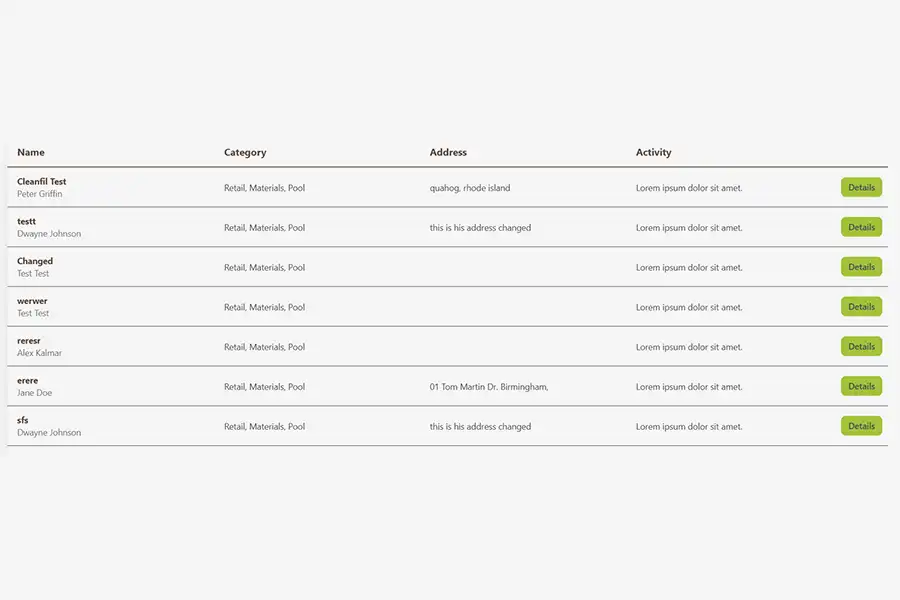
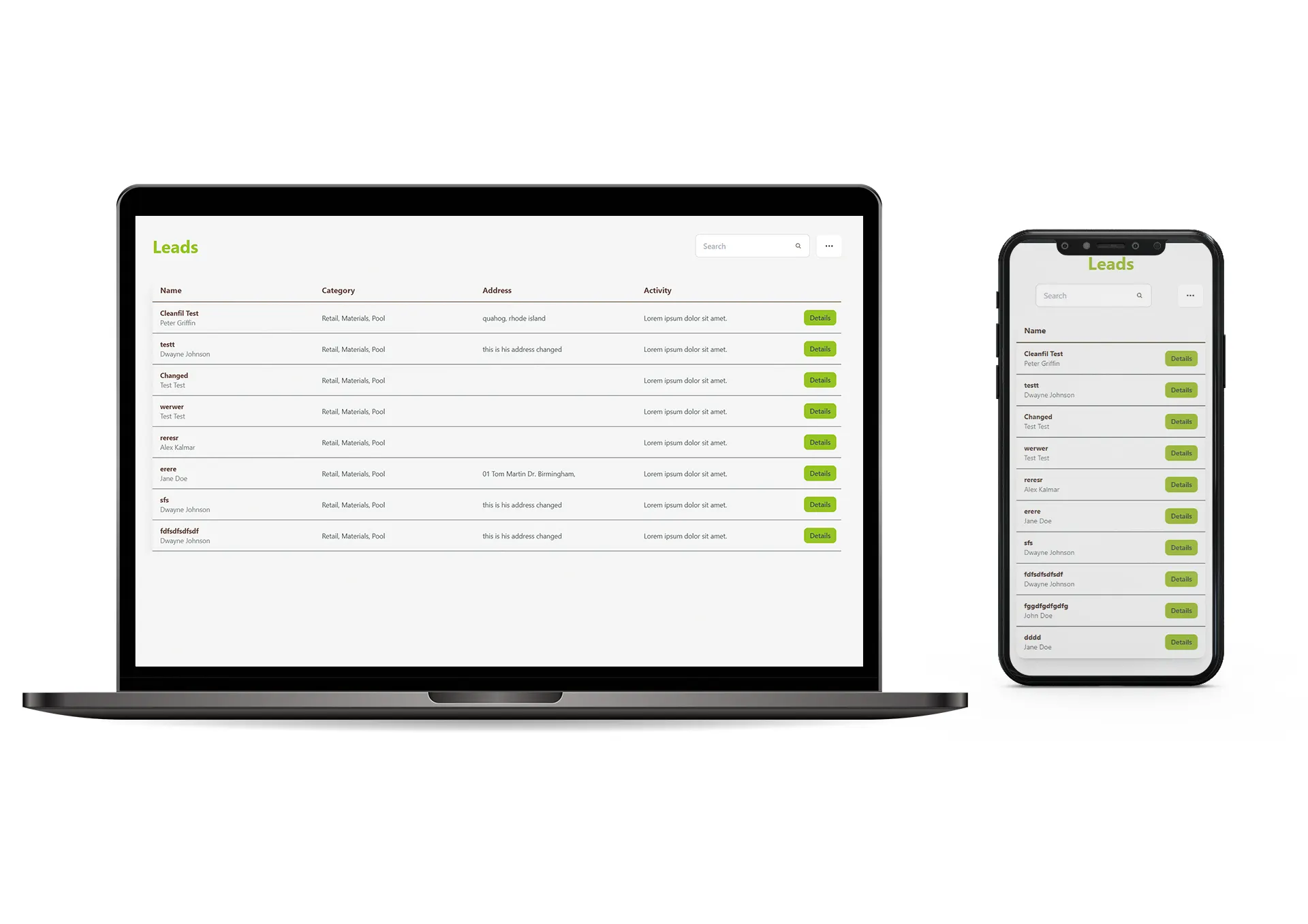
The Leads section follows a similar layout to the Contacts page, showing each lead’s name, category, address, recent activity, and a details button. It also includes a live search bar, making it easy for users to quickly filter and find the exact lead they are looking for. The layout keeps everything clear, organized, and effortless to navigate.
Lead Details
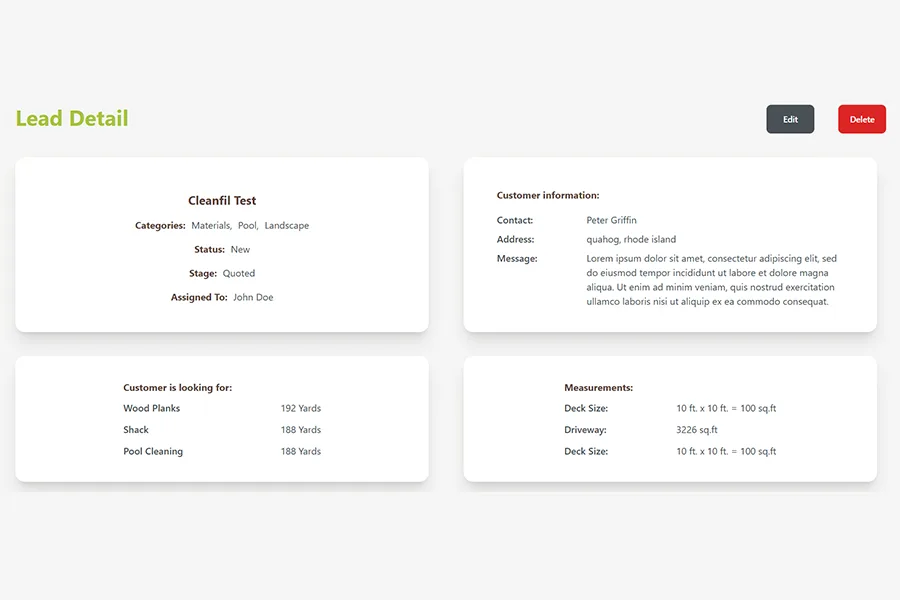
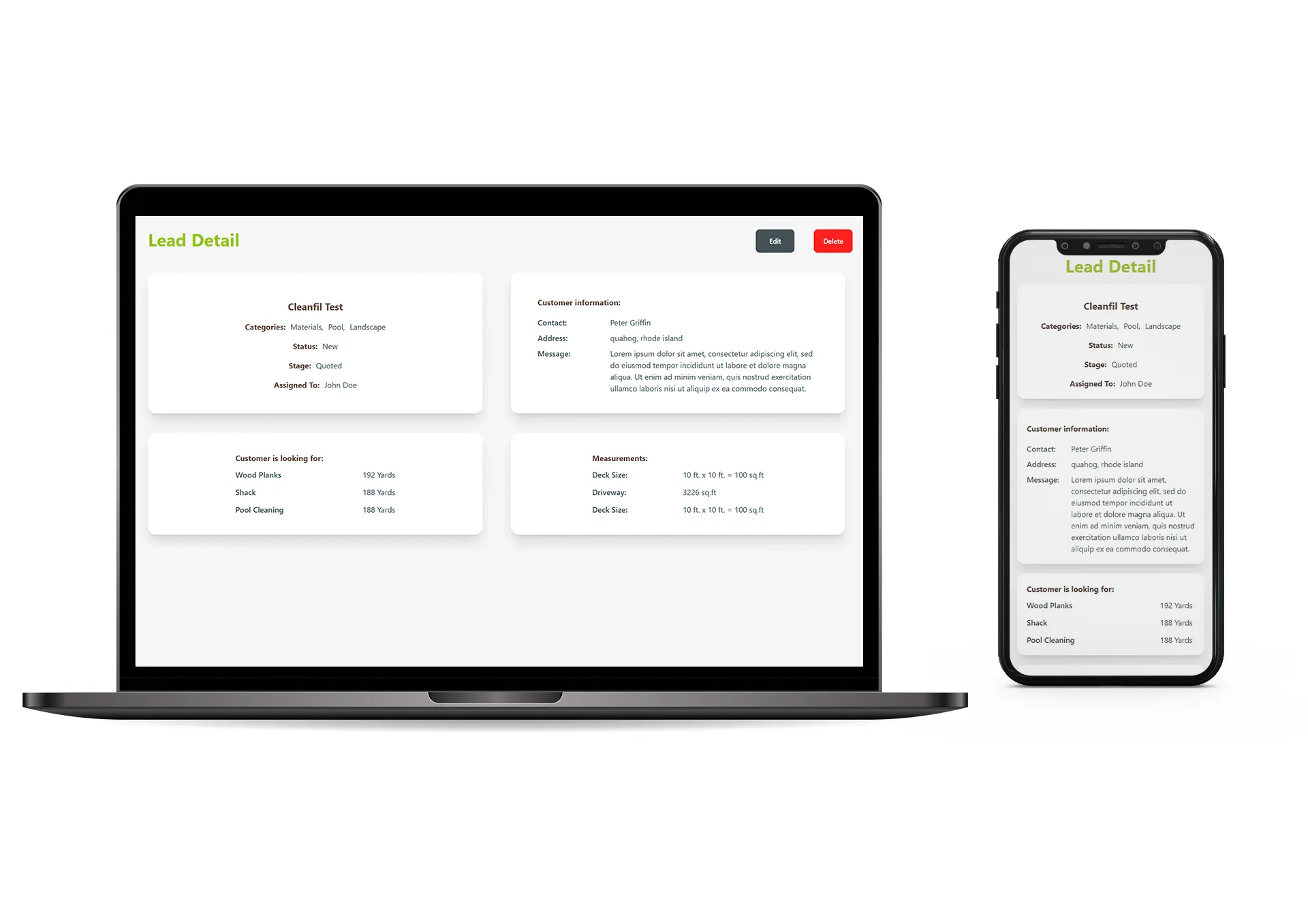
The Lead Details page is neatly designed in a card layout that displays all information related to the lead in one place. Users can easily edit, delete, or add new activities whenever needed. The clean structure makes managing each lead straightforward, organized, and effortless.
Add Lead
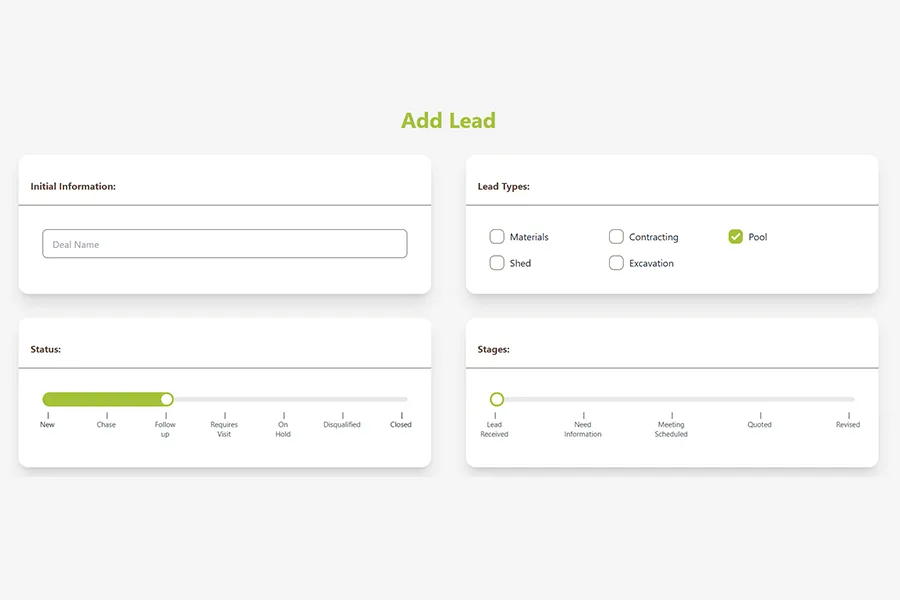
The Add Lead section is designed to give users a full, clear view of everything related to a lead. They can review all details, add notes, update information, and record recent activities, all in one organized space. It’s structured to be easy to tailor and manage, helping users keep adding every lead accurate and up to date.
Employees
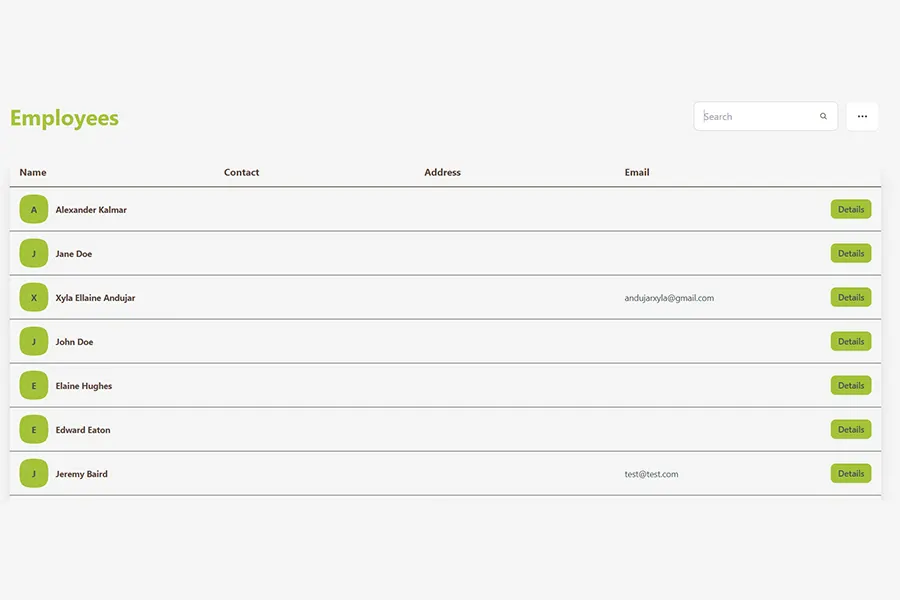
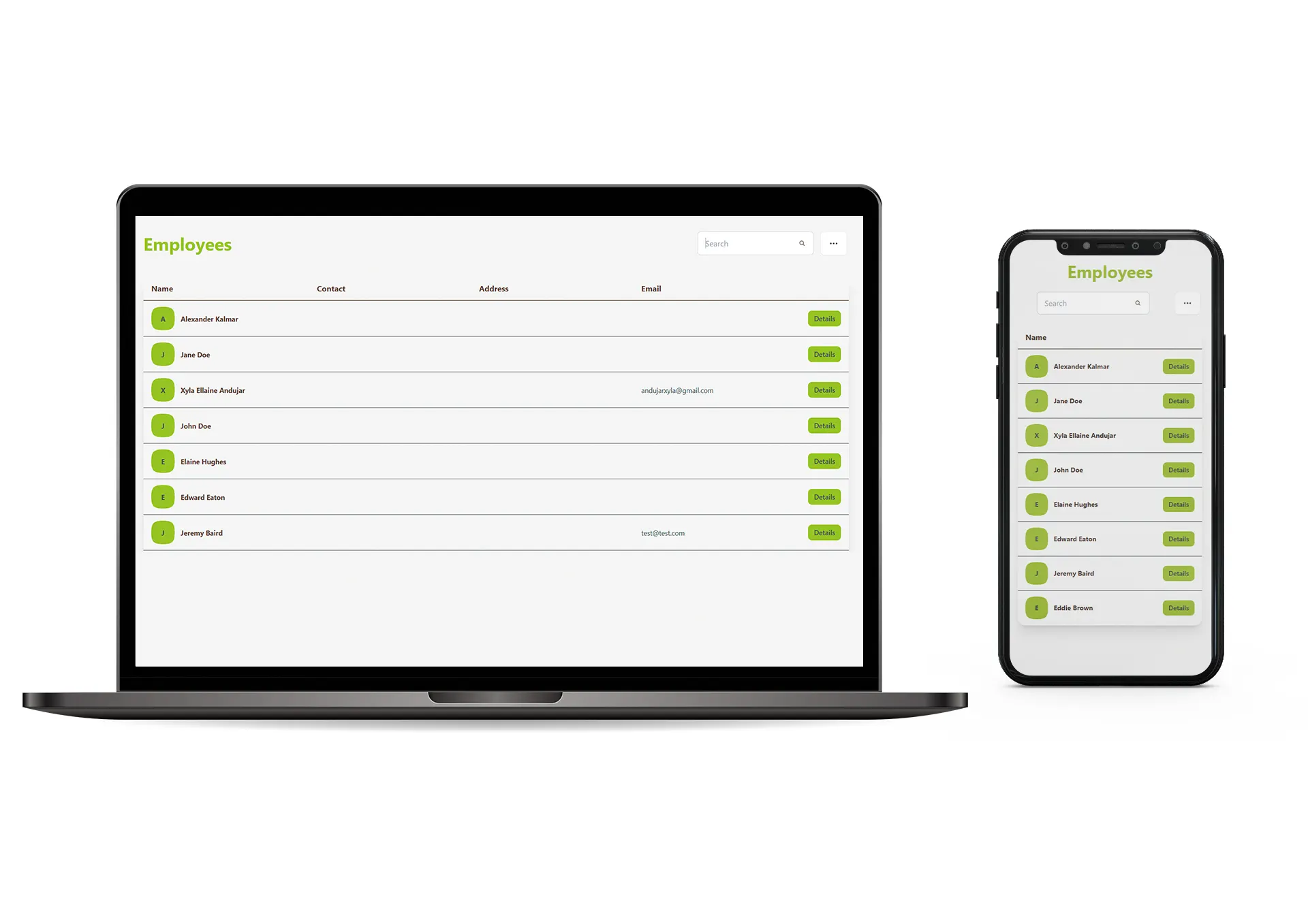
The Employees section follows the same clean and organized layout as the Contacts and Leads pages. It includes a live search bar and a table that displays each employee’s name, contact details, and email. Managers can quickly open any profile to view full details, check recent activities, and stay updated on everything at a glance.
Start Work
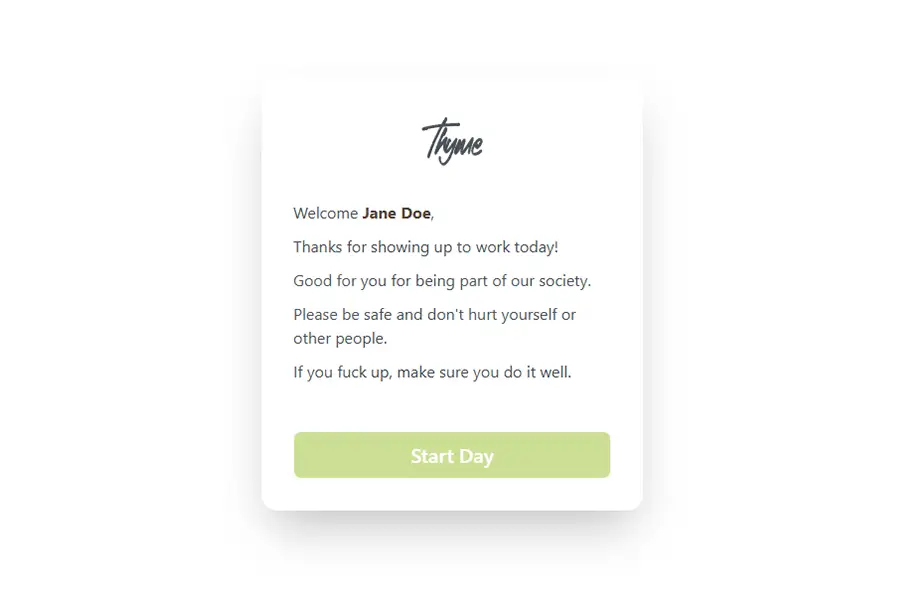
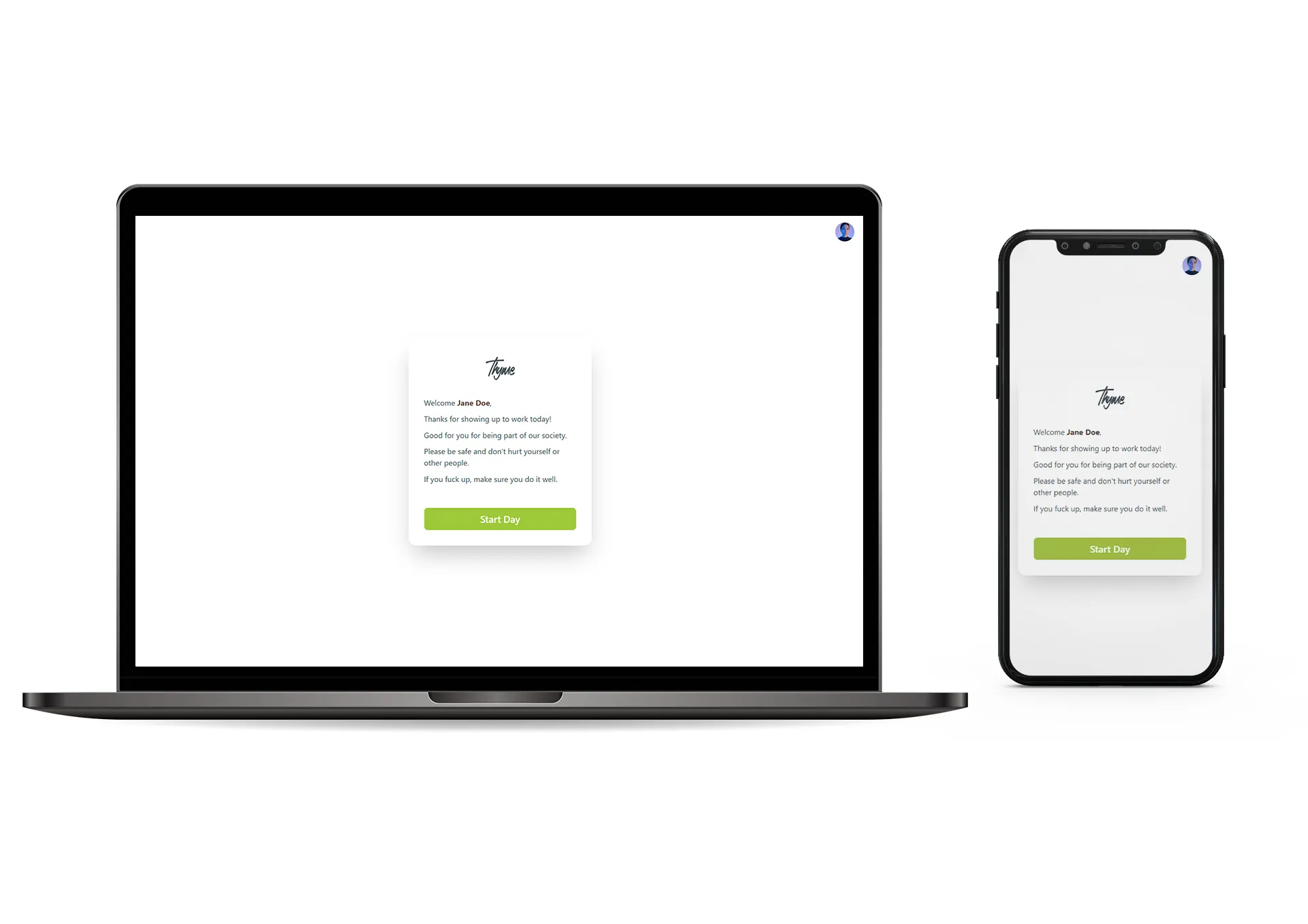
The Employee Work Start section gives every team member a warm, clear beginning to their day. They are greeted with a friendly welcome banner and a simple “Start Day” button. Once they tap it, their work session begins, making the whole process easy, motivating, and structured from the very first click.
Planning
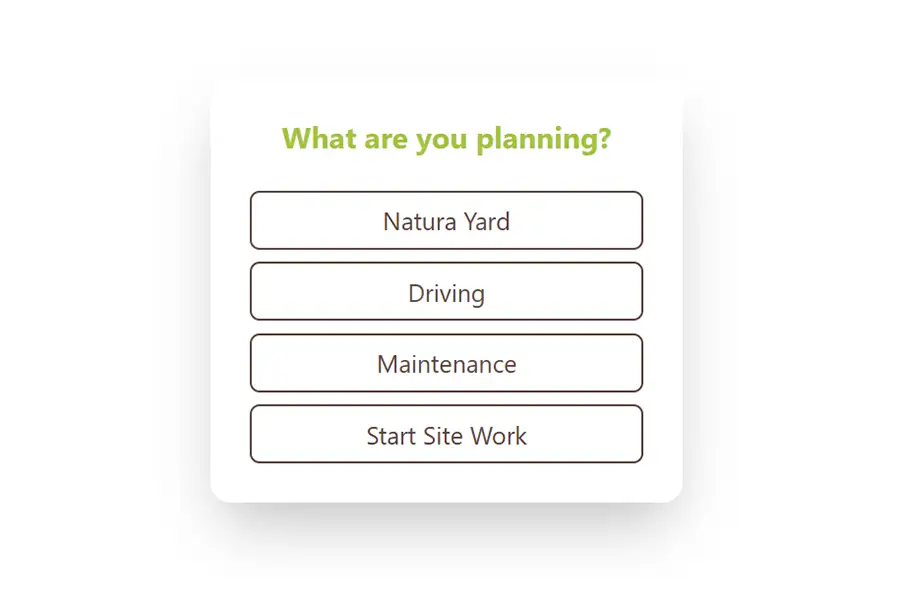
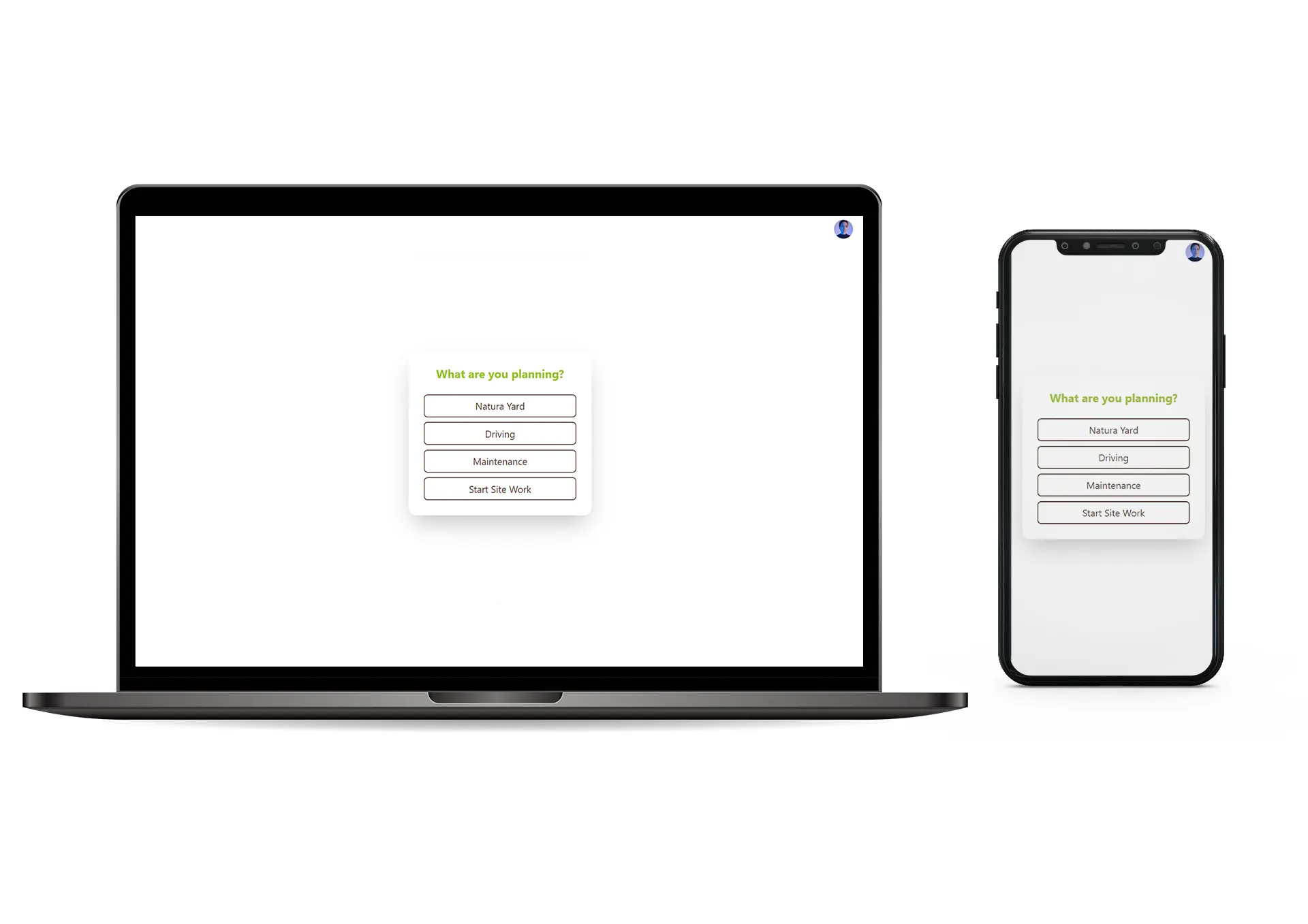
The Planning section is organized into four clear categories, making it easy for employees to choose exactly what they are working on. Each category is simple to understand and quick to access, helping users stay focused and move through their tasks with precision and clarity.
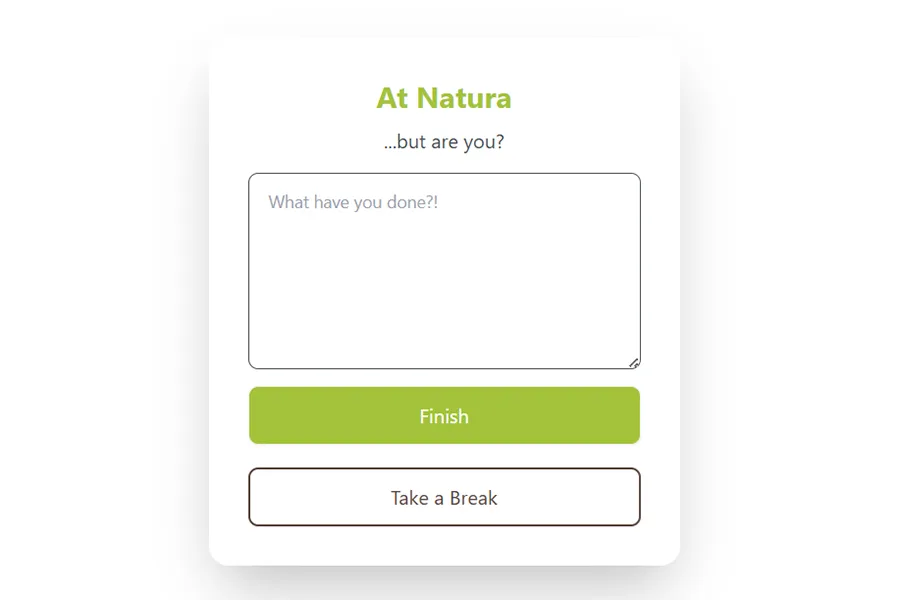
Natura
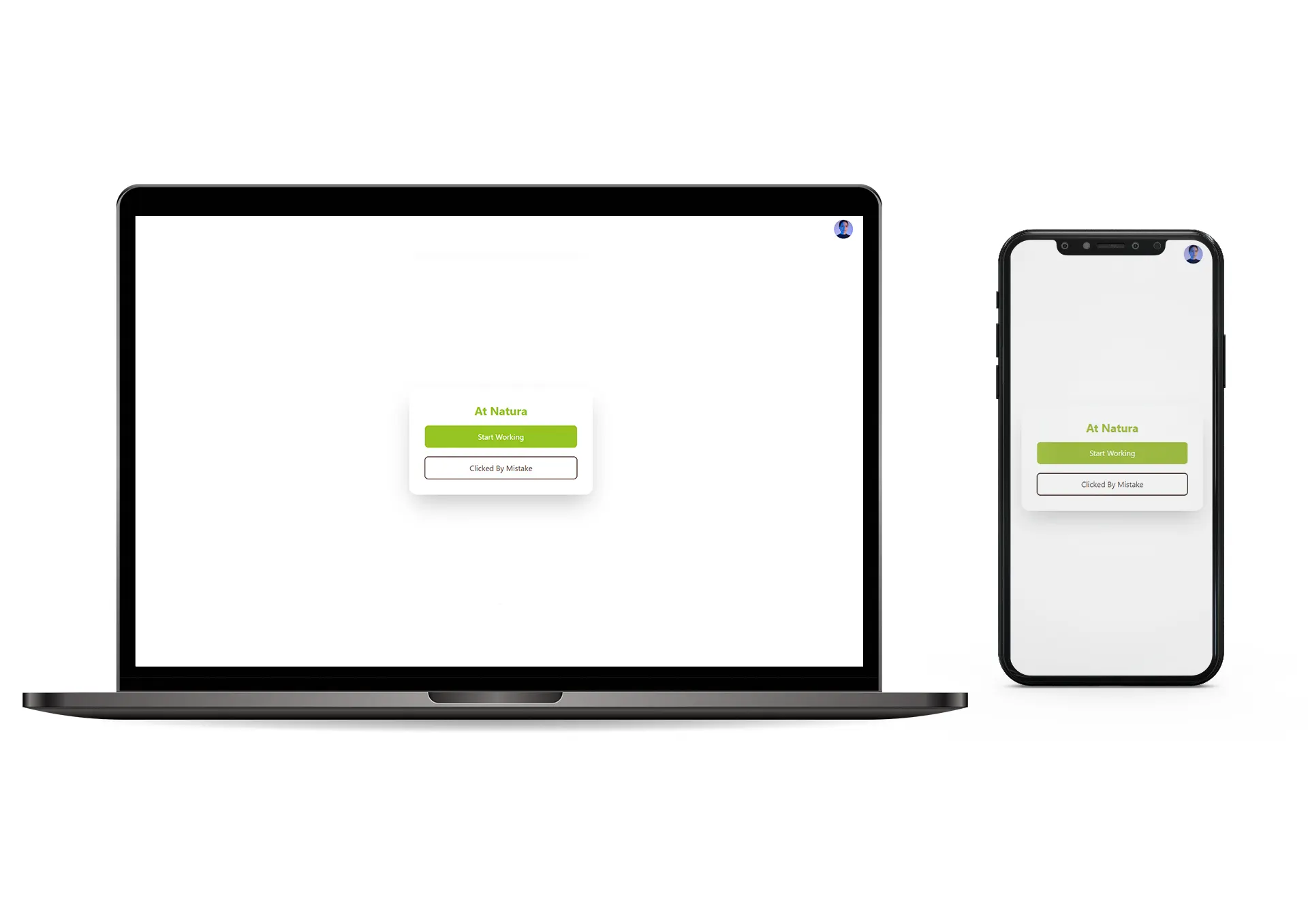
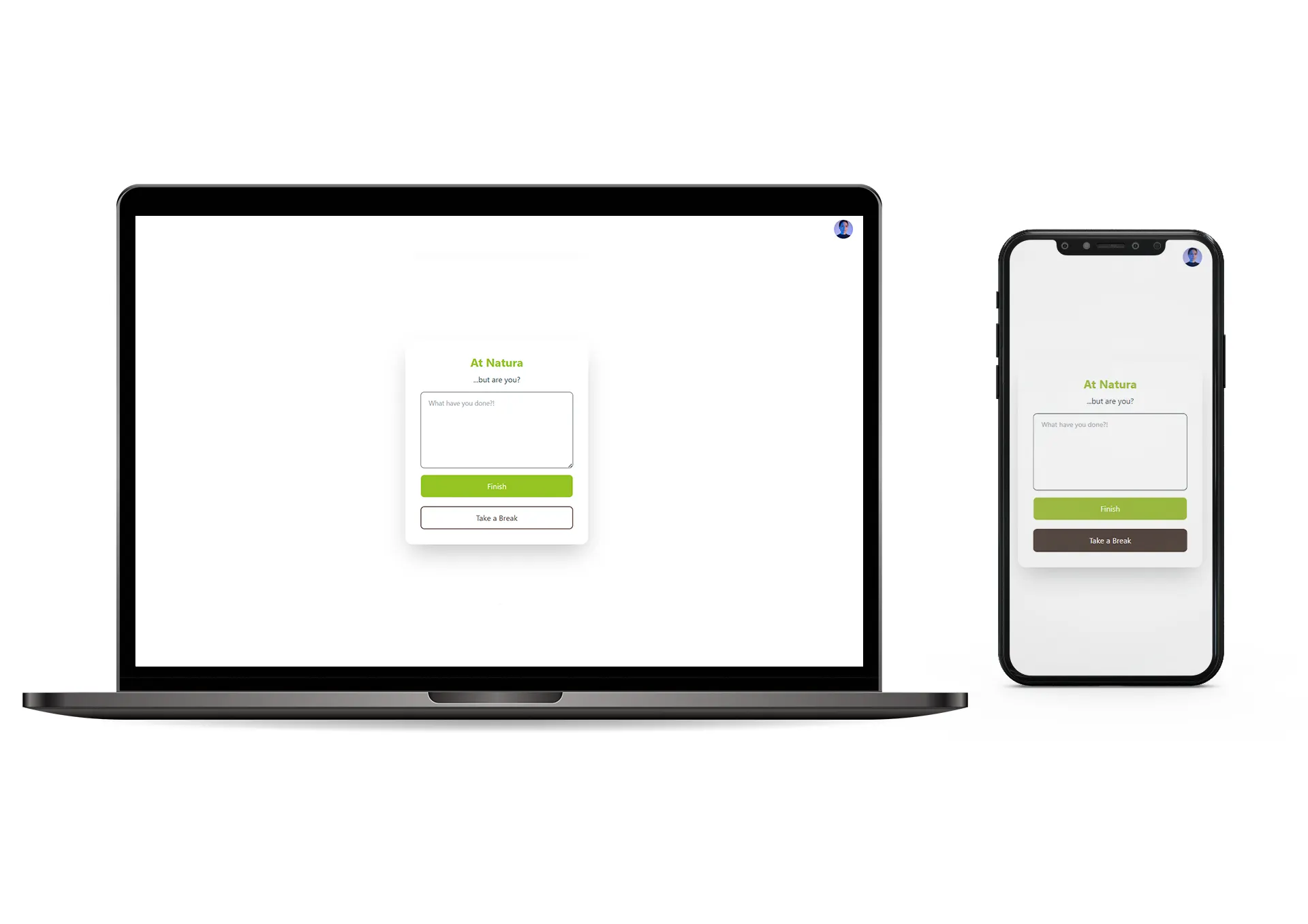
The “Natura” work mode is designed to be simple and intuitive. When an employee clicks into Natura, they can start working right away, with clear options to go back, review what they have completed, or take a break whenever needed. Everything they do is neatly tracked in the background and sent to the manager as part of their daily report, keeping the workflow smooth and transparent.
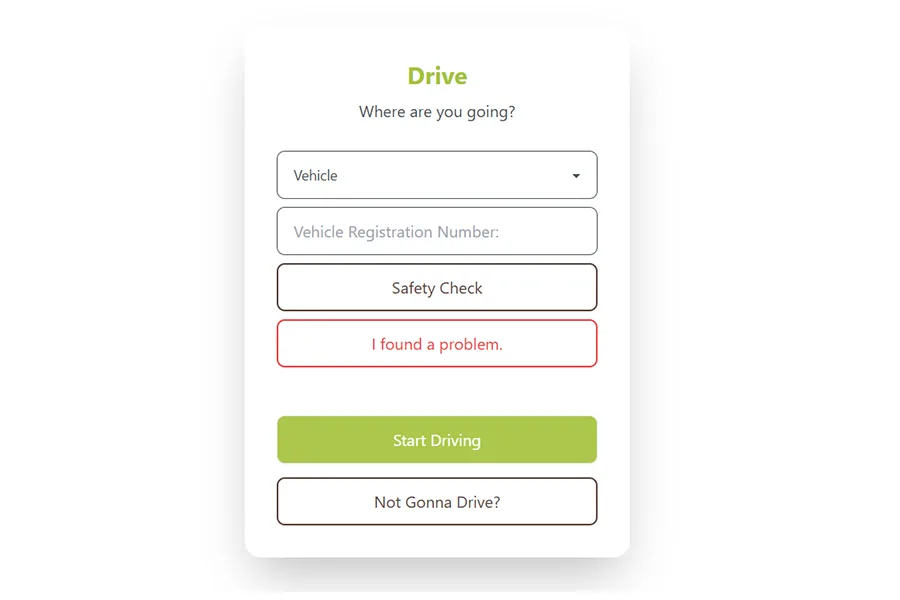
Drive
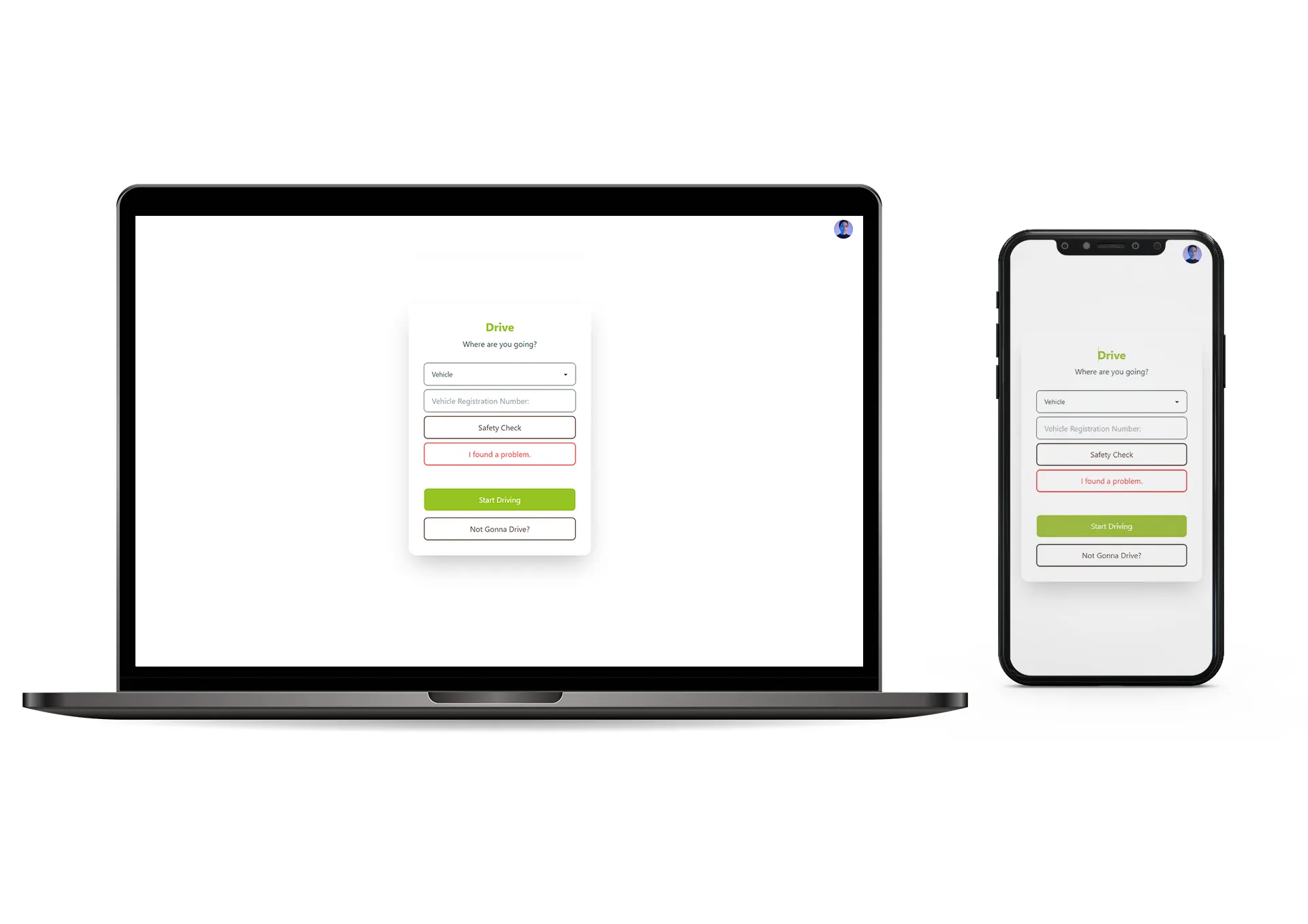
When employees are in driving mode, they can perform quick safety checks, report any issues they notice, or start their drive with a single tap. There are also clear options to go back or update their status. Any problems they report are instantly sent to their supervisor, keeping everything safe, organized, and well-tracked.
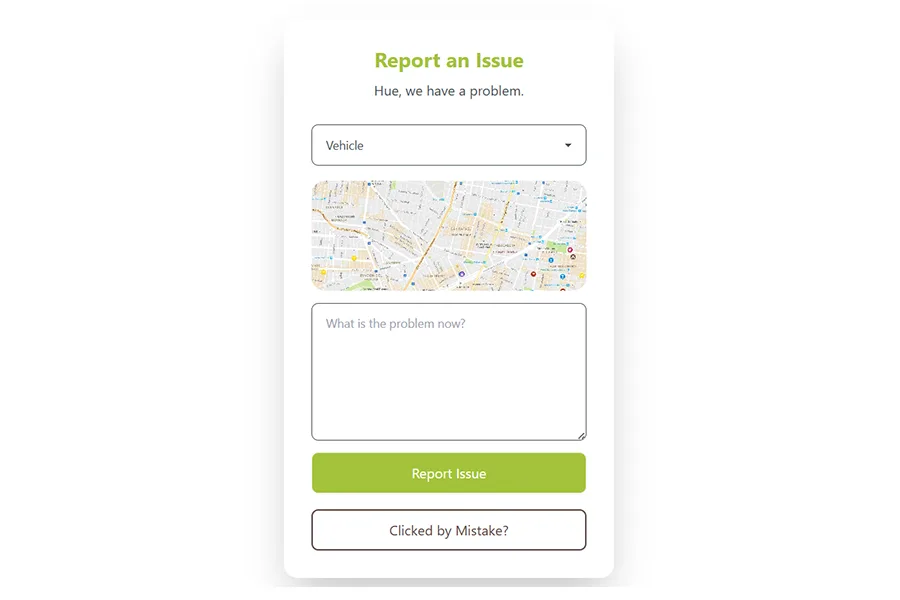
Report an Issue
If an employee finds a problem while driving, they can quickly report it by marking their exact location on the map and writing a short note about the issue. The report is sent instantly to their supervisor, ensuring immediate visibility. And if the alert was triggered by mistake, there’s a simple “clicked by mistake” option that lets them cancel and go back without any trouble.
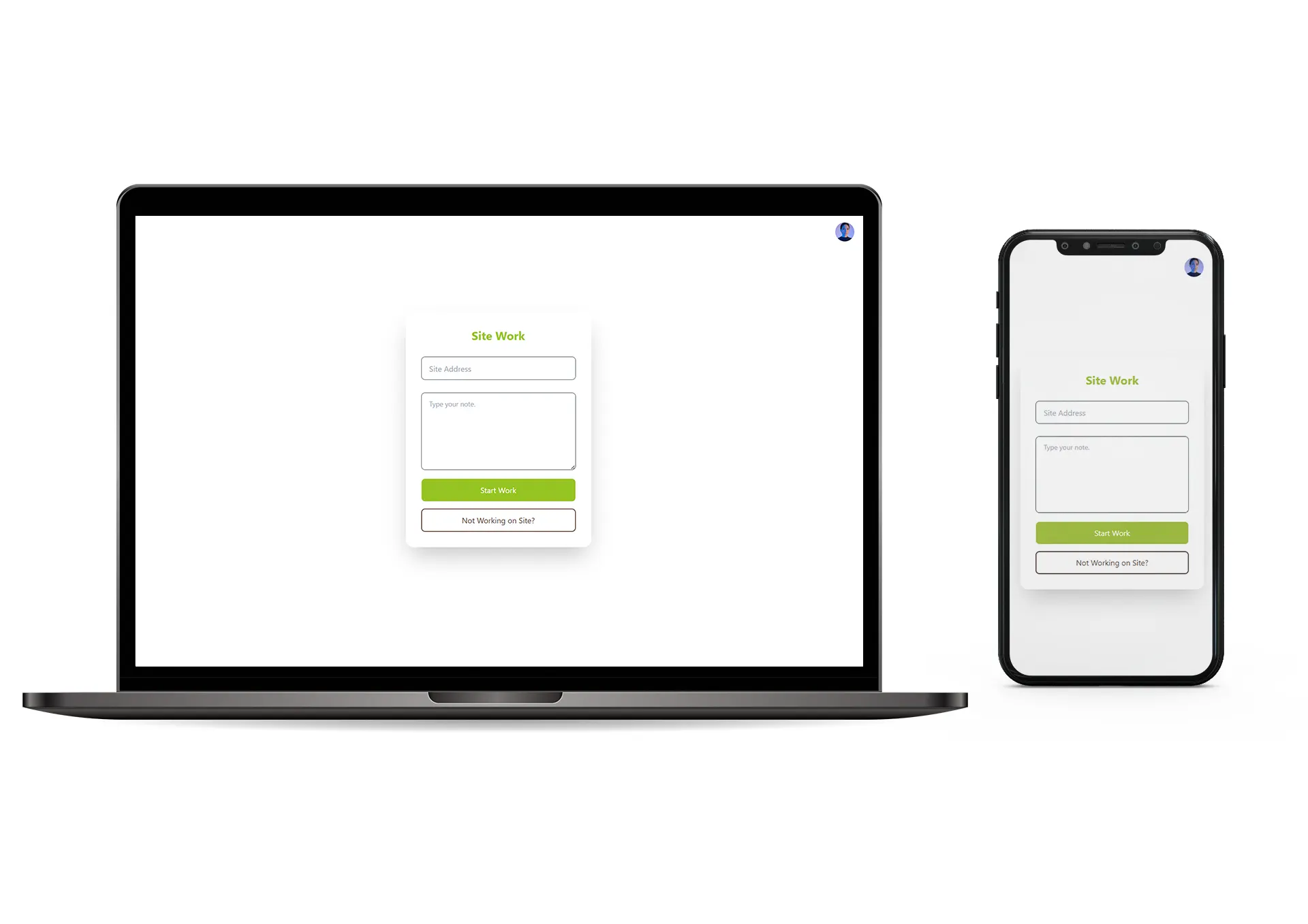
Site Work
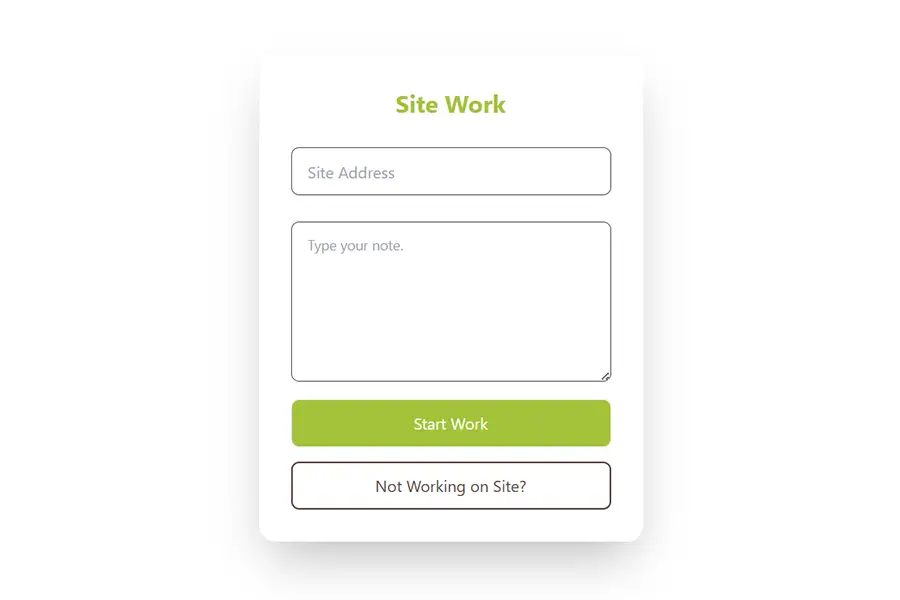
Employees can enter the site address and add a short note about what they plan to do there. It keeps everything clear, organized, and helps managers understand exactly where the employee is working and what tasks they are focusing on.
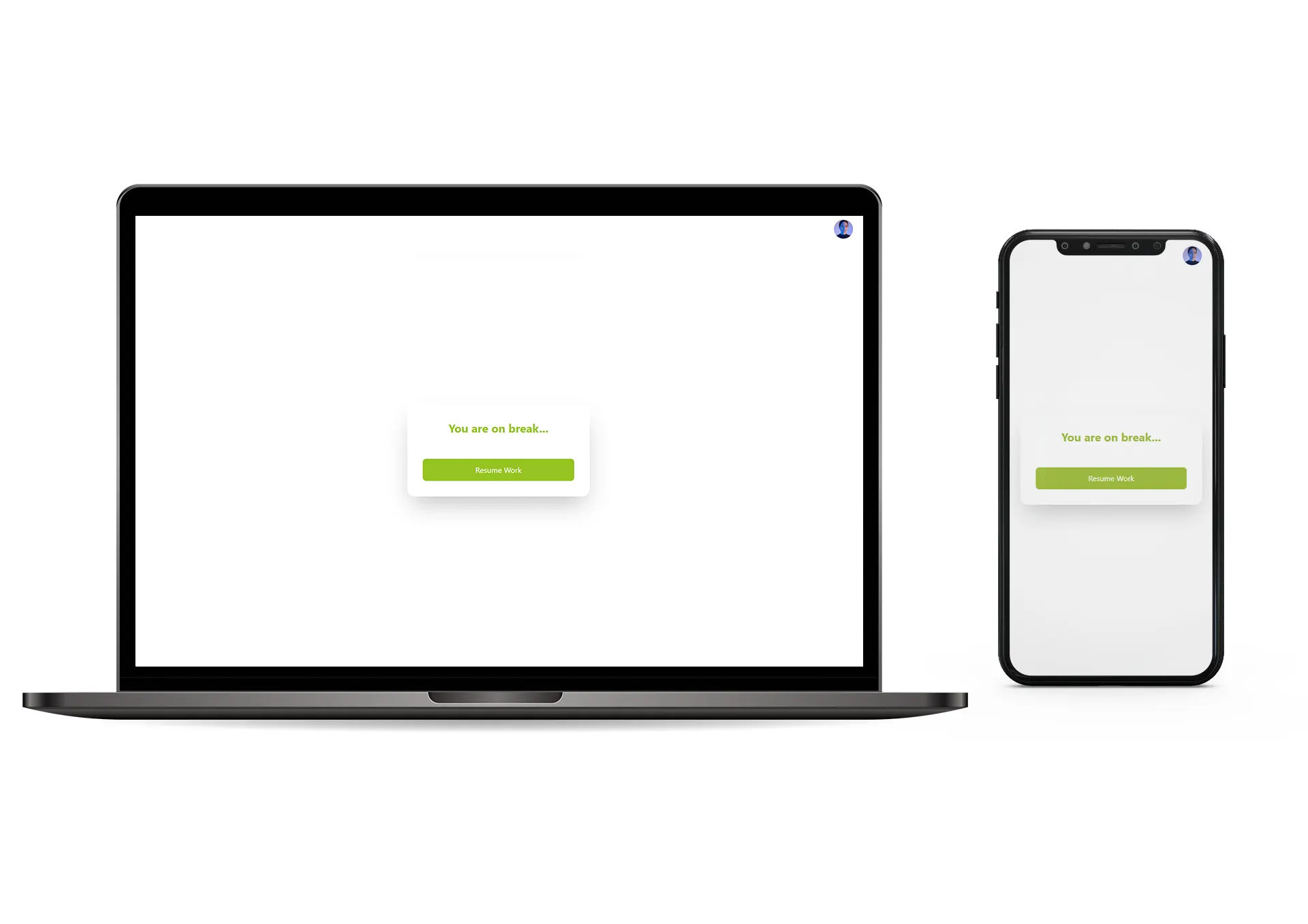
Break
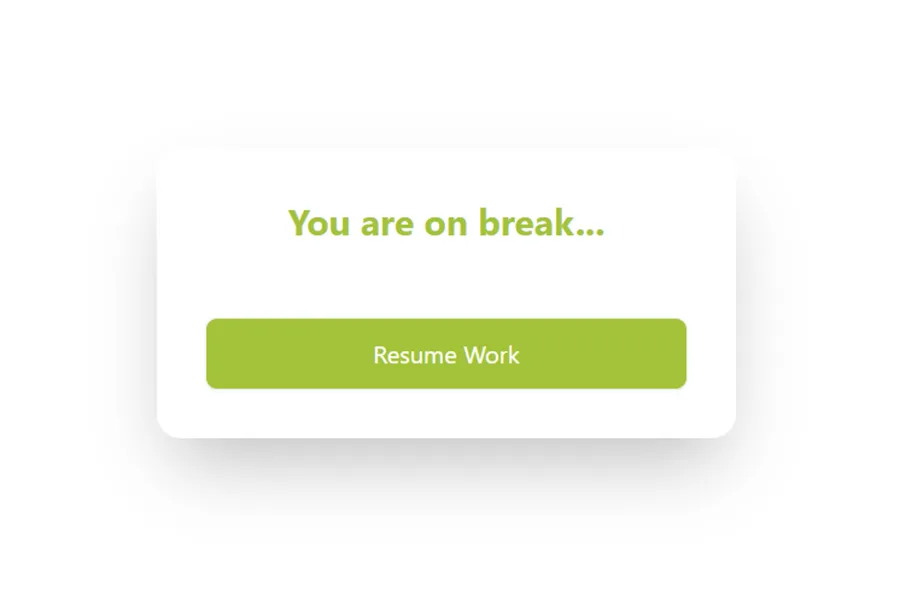
The break section is designed to be simple and clear. When an employee goes on break, the screen clearly shows that status and gives them an easy option to resume work whenever they are ready. The system also records the break time, so supervisors can see how long it lasted, keeping everything transparent and well-organized.
Confirmation
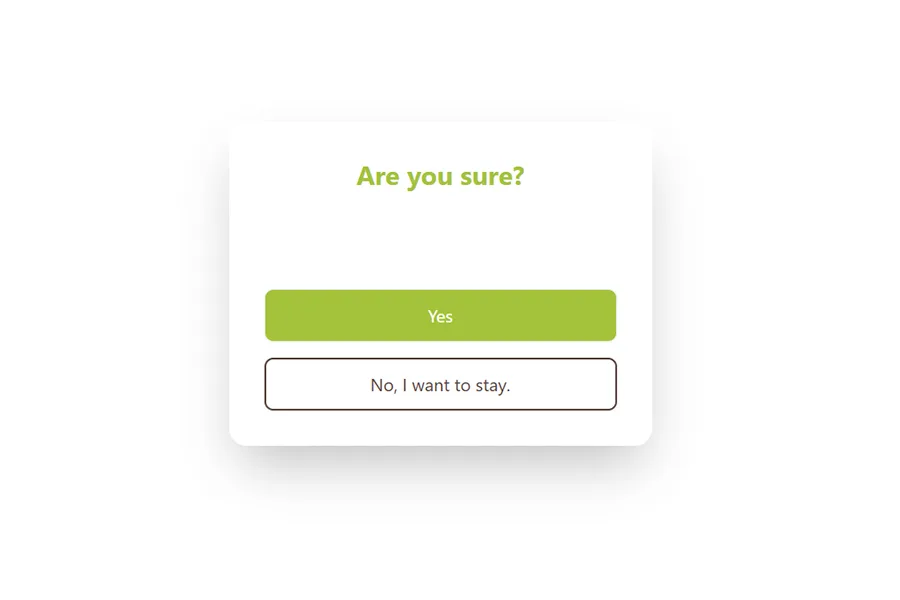
When an employee is ready to end their day, a final confirmation pop-up appears. It asks whether they truly want to finish or prefer to continue working a bit longer. Once they confirm, their entire day’s report is automatically submitted to their manager. It’s a simple, clear step that closes the workday smoothly and keeps everything properly recorded.
Bye
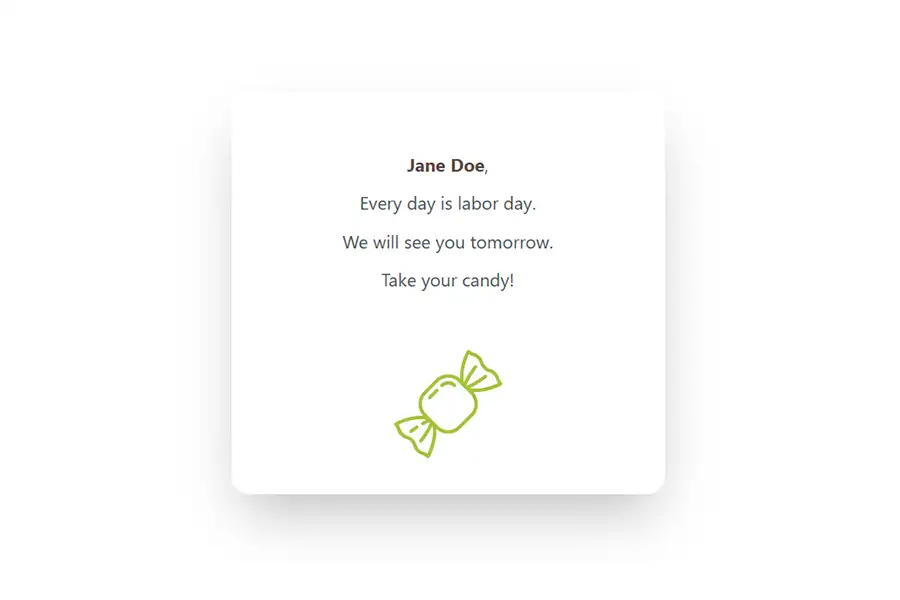
At the end of the day, the app adds a light, fun touch, a friendly message like “Every day is Labor Day,” followed by a virtual candy to make employees smile. It’s a small moment of positivity that helps them end their workday on a happy note and leave with good energy.
DESIGN WALL
 Home
Home Contacts
 Edit Contact
 Add Contact
 Contact Details
 Leads
Leads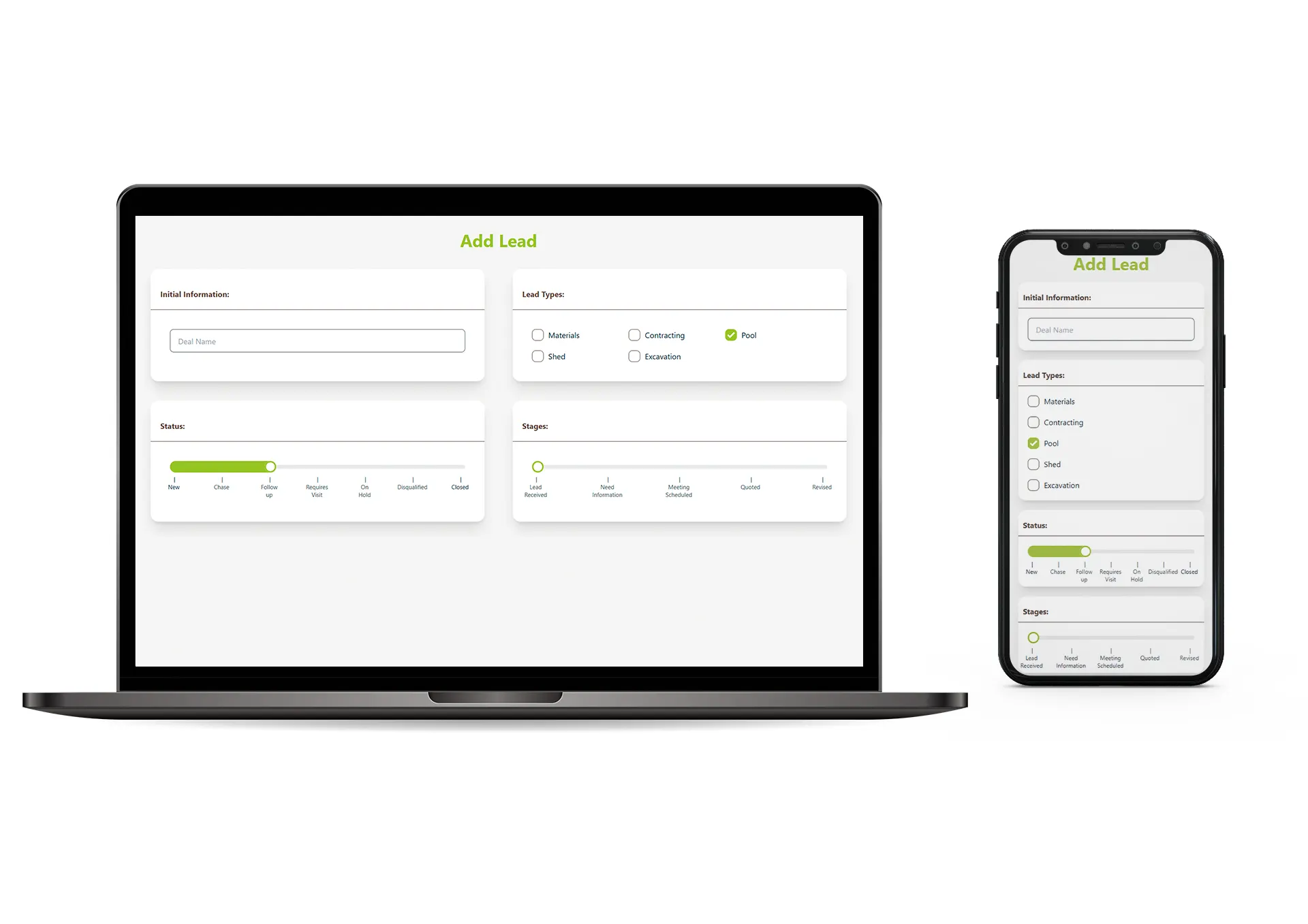 Add Lead
 Lead Details
 Employees
 Welcome
 Work Selection
 Optional Revert
 Natura
 Drive
Drive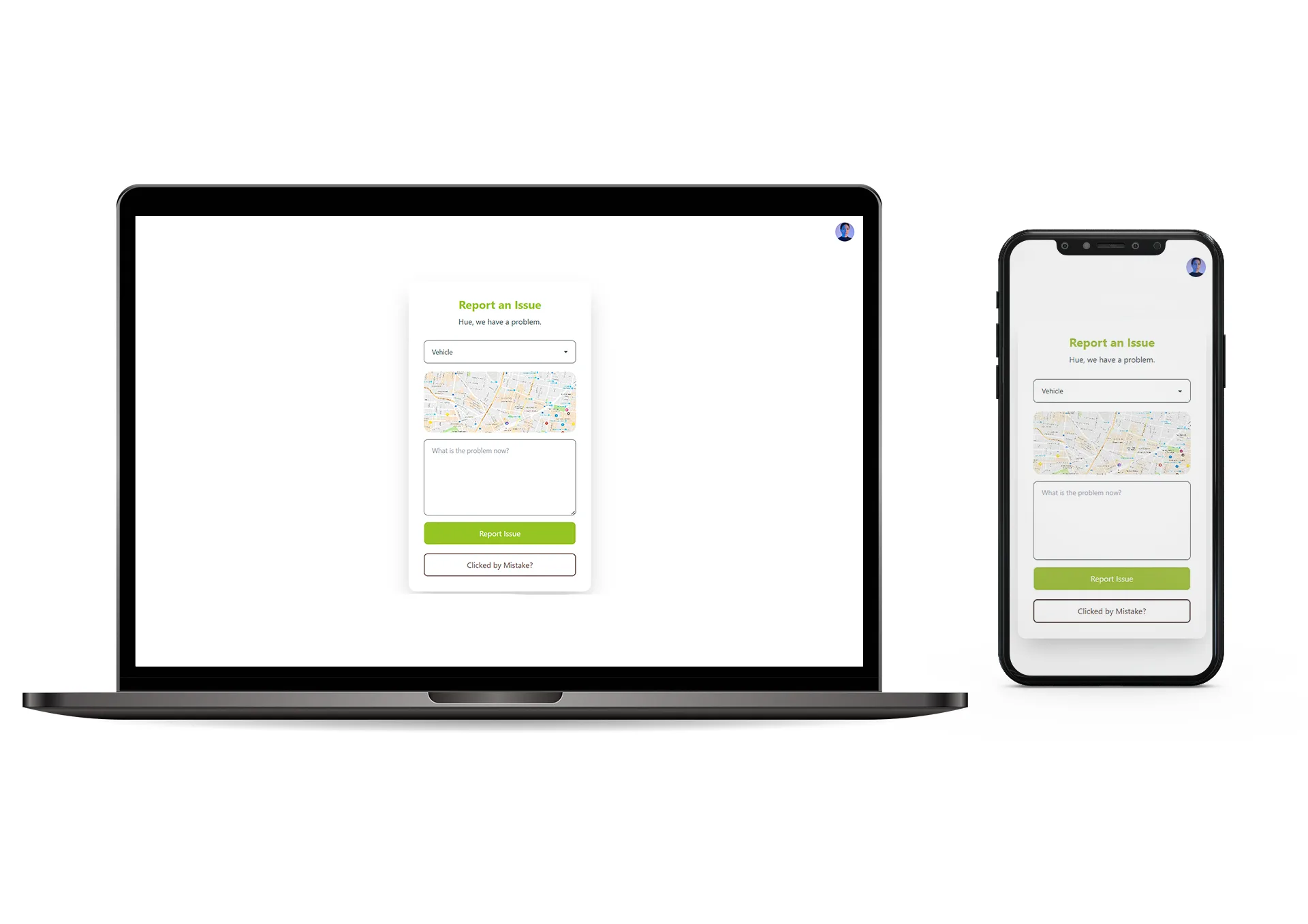 Report Issue
 Site Work
 Break
Break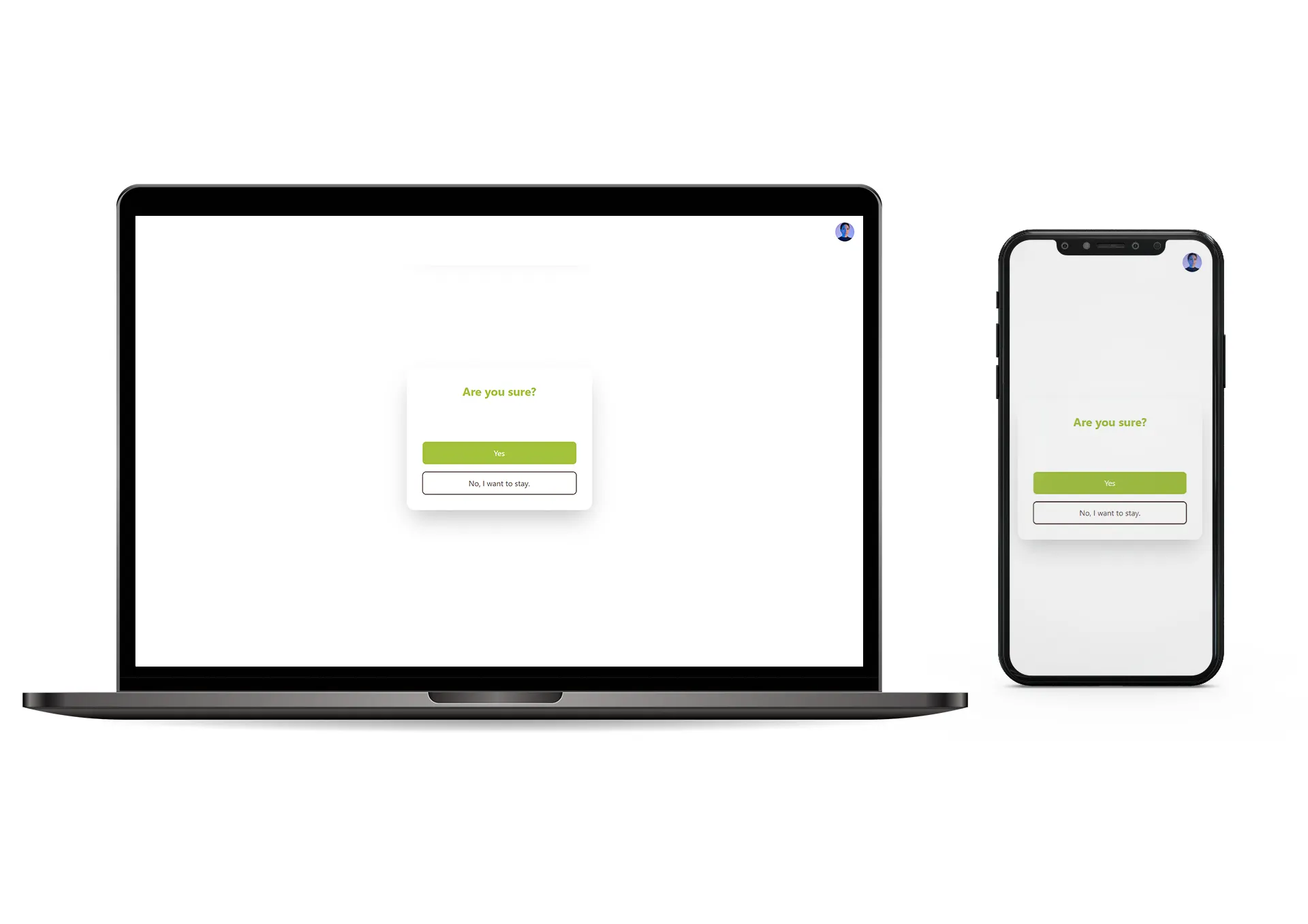 Finish
 Completed
More Proud AND
AWESOME PROJECTS
Explore more exciting and awesome work! Check out the archive and fill yourself with tech world.
MORE WORK